 Croft
CroftOne shared shopping list the whole family adds to
Why one live shared shopping list beats chat messages and paper notes, and how to run it so the milk actually gets bought.
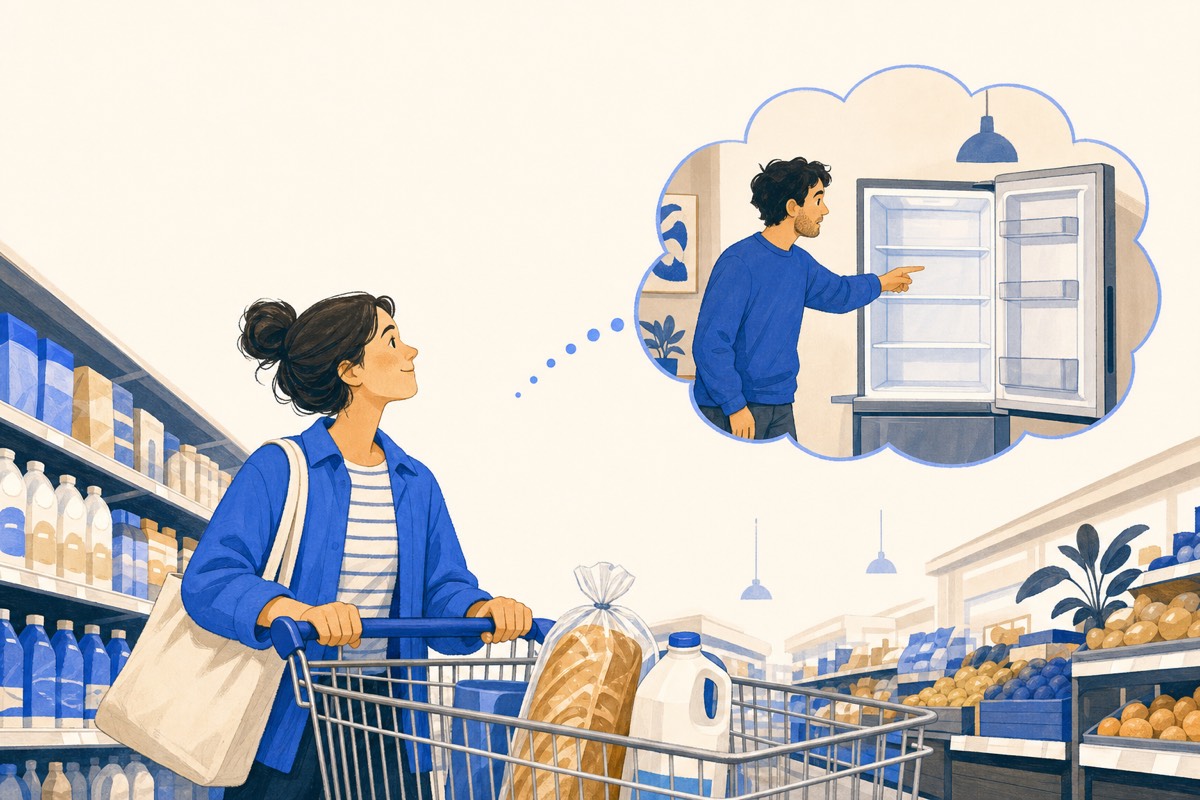
A shared shopping list is one live list on everyone's phone: anyone adds items the moment they notice something is finished, and whoever is at the shop sees the current list and ticks items off as they go. That is the entire system, and it ends both the "we're out of milk" text and the guessing in aisle six.
The difference between a list that works and one that dies is where it lives and a couple of small habits.
Why the group chat version fails
Shopping requests sent by chat arrive as messages, and messages scroll away. By Saturday the list is spread across three days of conversation, mixed in with school logistics and a meme. Whoever shops reconstructs it from memory and misses two things, and the person who asked concludes they were ignored.
A dedicated list has one job: the current state of what the house needs. No scrolling, no reconstruction, no screenshots of a chalkboard.
Add at the moment of noticing
The habit that makes shared lists work: the person who uses the last of something adds it, right then, from the phone already in their pocket. Ten seconds at the fridge saves the 19:00 call from the shop.
In Croft the list is shared by the whole household - kids included, which handily converts "can we get..." requests into list entries you can veto calmly at home rather than negotiate in the snack aisle.
Run your home in one place
Croft keeps your family's calendar, chores, lists, bills and budgets together - free, on any device.
Try Croft freeTick off as you shop, clear when you unpack
At the shop, items tick off one by one, and anything added while you are mid-aisle appears live - genuinely useful when one person shops and the other is home cooking and discovers the missing onion in real time.
Croft keeps ticked items visible until you clear them, so unpacking doubles as a check. Clear the got-items and the list is clean for the next round; anything you decided to skip stays for next time.
One list or many?
Start with one groceries list. Add a second only when a real pattern needs it - a hardware list for the renovation, a pharmacy list, the December list. Croft supports separate lists, but most families run happily on groceries alone for months.
Resist the urge to categorise items or plan aisles. Adding to the list has to take five seconds, or people stop adding, and then it is a chalkboard again.
Quick answers
What is the best way to share a shopping list between two phones?
Use an app where both people have their own login to the same live list, rather than sending copies back and forth. In Croft the whole household shares the list automatically.
Can I use a shared shopping list offline in the shop?
Croft needs a connection to sync, but the list loads on your phone as you arrive and ticks sync the moment you have signal again.